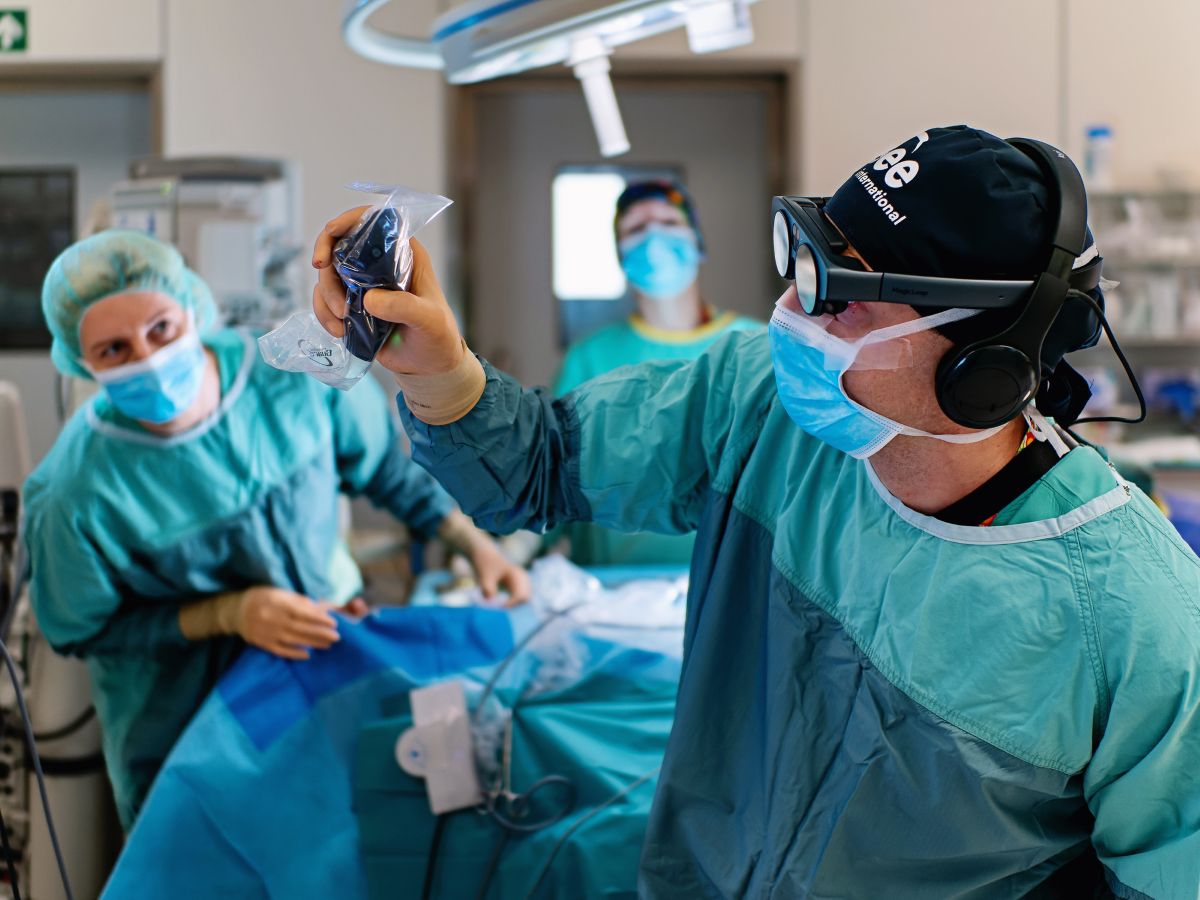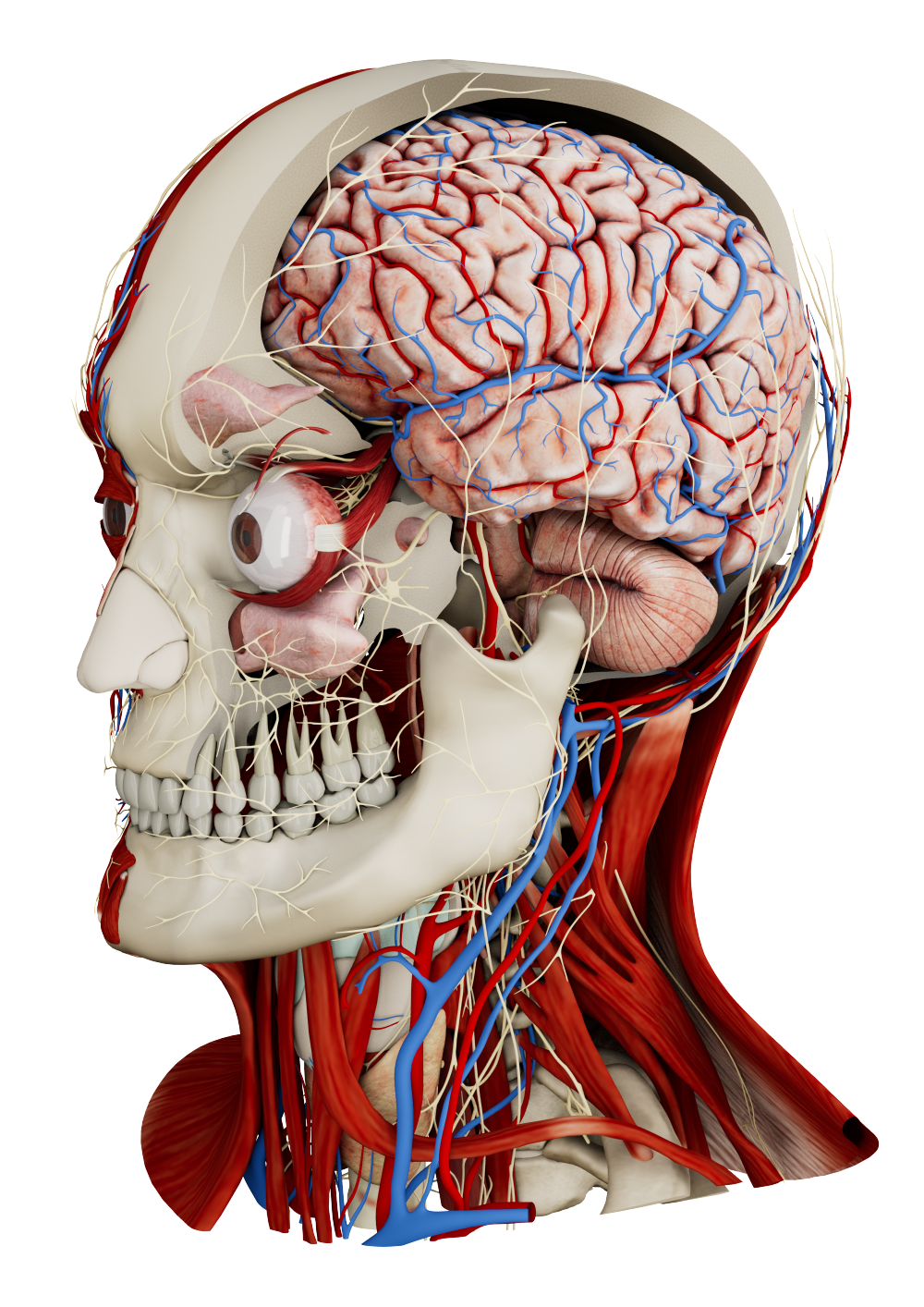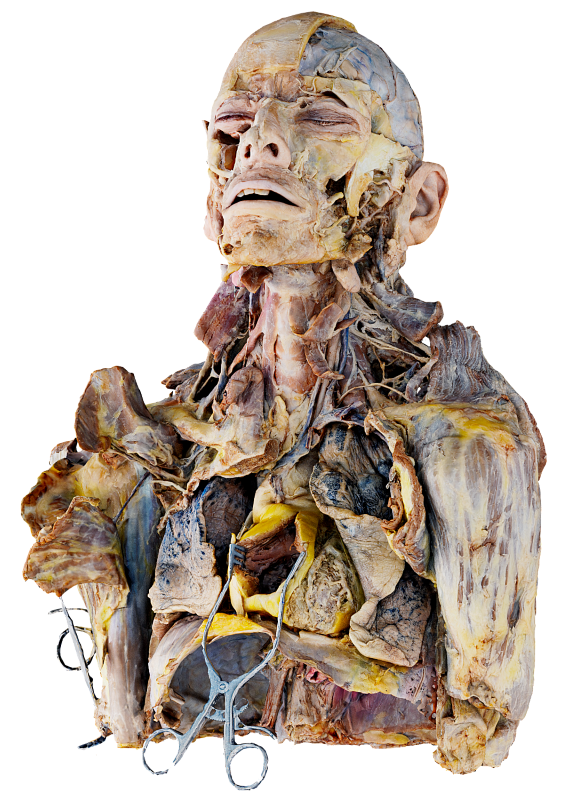
Spatial OS is the operating system for spatial medical imaging and visualization. It powers glasses-free stereoscopic 3D displays, virtual reality headsets, and standard 2D screens simultaneously from a single computer, allowing clinical teams to work with patient data in the same spatial environment.
Spatial OS transforms medical DICOM data from CT and MRI into clear, interactive 3D visualizations. The platform is designed for everyday hospital workflows and supports medical communication in a shared spatial workspace.
Spatial OS improves interdisciplinary communication by presenting imaging data as interactive 3D digital twins. Clinicians across specialties view the same anatomy and pathology spatially, reducing misunderstandings from 2D interpretation. Shared interaction makes case discussions clearer and more efficient without changing clinical roles or diagnostic authority.
Patients understand medical information better when shown visually. Interactive 3D models from their own imaging data help clinicians explain diagnoses, procedures, and outcomes clearly, supporting informed consent and realistic expectations.
Seeing their own anatomy makes discussions more transparent and engaging. Step-by-step guidance improves understanding, reduces anxiety, and builds trust without adding significant time to consultations.
Remote collaboration benefits from a shared spatial reference instead of static images. Spatial OS lets distributed teams view and discuss the same 3D dataset in real time, supporting remote case discussions and expert consultations.
Working in the same interactive 3D scene keeps context aligned and improves communication in virtual meetings, tumor boards, and inter-hospital collaboration.
Spatial OS combines high-performance visualization with AI-based segmentation to enable rapid 3D representation of anatomy and pathology. All processing runs locally on the system, with no cloud dependency. The platform supports direct PACS connectivity and gesture-based interaction and enables secure collaboration within and across institutions in shared spatial sessions.
Spatial OS operates as a unified system that simultaneously drives stereoscopic 3D displays, VR headsets, and 2D screens. All participants access the same datasets in real time while maintaining independent viewpoints. The platform supports DICOM data from CT and MRI as well as videos, PDFs, reports, and images, all rendered in a single workspace. Spatial sessions can be recorded with temporal and interaction context and replayed in spatial or 2D environments for review, audit, and documentation.
All data processing takes place locally on institutional hardware. No patient data is transmitted to external servers or cloud services. The system architecture supports strict hospital data-protection policies and privacy regulations, including HIPAA. Regulatory clearance for FDA-listed use cases is in preparation.
Spatial OS can be deployed on dedicated professional hardware or on existing Windows-based hospital workstations. Turnkey installations are available via specially configured Medicalholodeck hardware, delivered preconfigured for immediate operation with minimal IT effort. Alternatively, installation on approved hospital hardware allows full alignment with internal procurement, security, and lifecycle processes.
Spatial OS supports parallel operation across glasses-free stereoscopic 3D displays, standard 2D monitors, and PC-connected VR headsets. All connected devices share the same session state. Navigation, measurements, annotations, and dataset changes are synchronized in real time across all displays, enabling mixed-device workflows in meeting rooms, labs, and clinical environments.
Additional participants can join locally or over secure hospital networks, using either VR headsets or conventional workstations, without duplicating data or workflows.
Spatial OS is designed for GPU-accelerated local processing of large 3D medical datasets. Minimum workstation specifications are:
Performance scales with GPU and memory capacity. Higher-end configurations are recommended for large CT or MRI volumes, multi-user VR sessions, and stereoscopic 3D output.
Glasses-free stereoscopic 3D displays supported are
These displays connect directly to the workstation GPU and operate without head-mounted equipment, making them suitable for conference rooms, tumor boards, and teaching environments. Standard 2D monitors are fully supported and can be used in parallel with 3D displays and VR devices within the same session.
VR headsets are supported in PC-VR tethered mode, with rendering performed on the workstation GPU. Supported devices include:
VR is intended for immersive individual exploration or small-group collaboration and can be combined with 3D and 2D displays in the same workflow.
Spatial OS is intended for non-diagnostic clinical communication, training, education, and collaborative review of medical imaging data only. It is not intended for diagnostic interpretation, clinical decision-making, surgical planning, or intraoperative use. Regulatory approval processes are ongoing in the United States and the European Union.
Spatial OS is offered under institutional licensing models, including per-device and per-site options. Services include onboarding, documentation, coordinated updates, hardware support, and lifecycle planning in coordination with hospital IT teams.
Download Spatial OS to get started immediately. A 14-day free trial is included.
If you need support or have questions about software or hardware requirements, contact support@medicalholodeck.com